Check a Computer

Shop & Deals Accessories Backup & Power Guide

Backup Power, UPS Battery Backup & Storage Essentials for Offices

Protect computers, network gear, files, and productivity with UPS battery backup, external storage, NAS, cloud backup, and sensible recovery planning.

UPS ProtectionKeep core gear onlineFile BackupLocal and cloud copiesRecovery PlanningKnow what to restore

Curated daily

Top 3 Backup & UPS Deals Right Now

Quick live picks for UPS battery backup, storage, and office power protection.

✓ Business picks • Trusted sources
1
Best Value

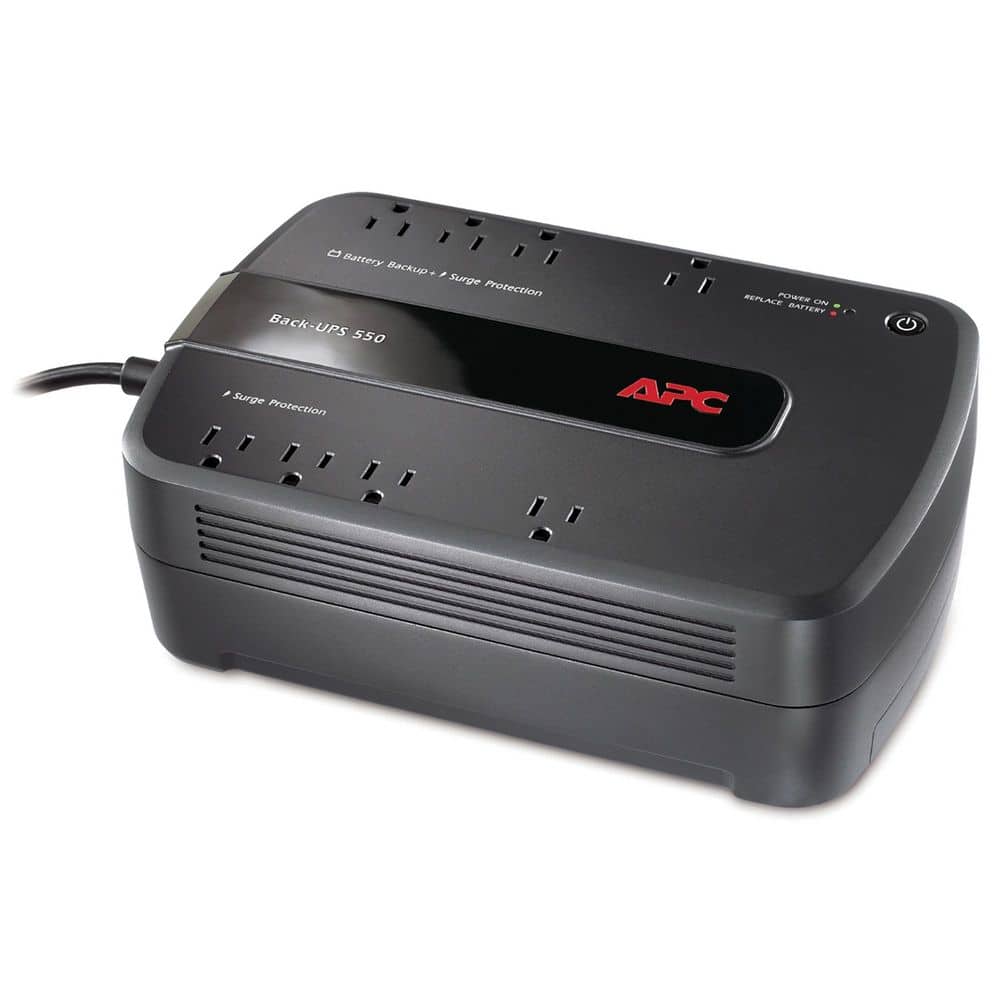
APC Back-UPS Pro External Battery Pack

Sovrn Merchant · SOVRN

$281.74View Deal
2
Top Pick

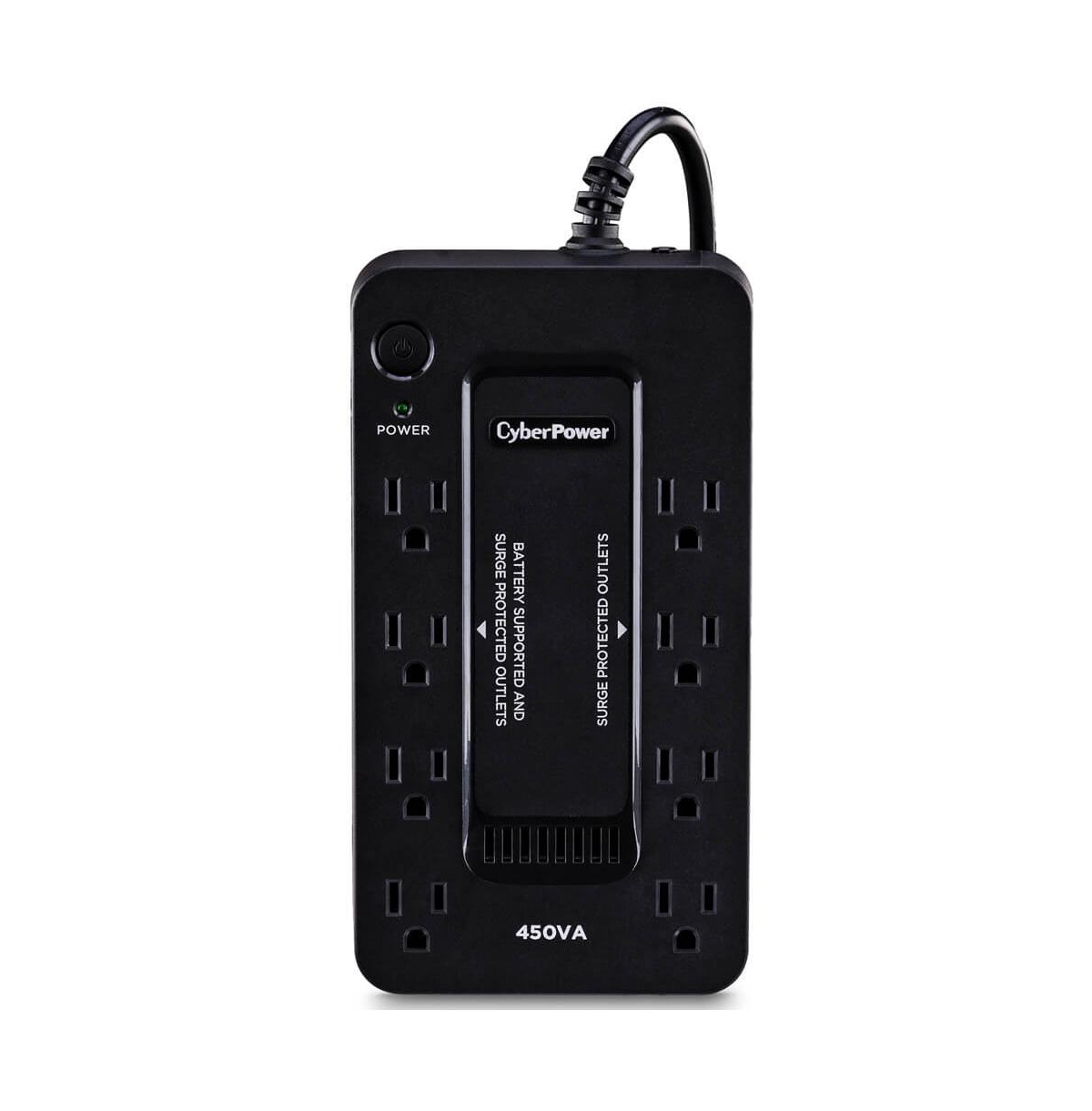
Cyberpower Ups Pc Battery Backup - Black

Sovrn Merchant · SOVRN

$117.95View Deal
3
Editor Pick

CyberPower Standby UPS

Sovrn Merchant · SOVRN

$77.95View Deal
View all backup, ups & power →

Recommended Backup, UPS & Power Gear

Shop current picks pulled from the PCBuyer accessory catalog. Prices and availability can change; verify details with the merchant before purchase.

Recommended Backup, UPS & Power Gear

View all backup, ups & power →

APC Back-UPS Pro External Battery Pack

Sovrn Merchant · SOVRN

$281.74View Deal

Cyberpower Ups Pc Battery Backup - Black

Sovrn Merchant · SOVRN

$117.95View Deal

CyberPower Standby UPS

Sovrn Merchant · SOVRN

$77.95View Deal

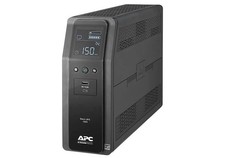
APC - Back-UPS Pro 1000VA Battery Back-Up System…

Sovrn Merchant · SOVRN

$234.31View Deal

CyberPower 650VA 8-Outlet UPS Battery Backup with USB

Sovrn Merchant · SOVRN

$79.95View Deal

WD 4TB My Book Desktop External Hard Drive…

Sovrn Merchant · SOVRN

$144.98View Deal

UPS battery backup APC CyberPower external backup drive…

Amazon · AMAZON

Check priceView Deal

Updated daily. Prices and availability can change; verify details with the merchant before purchase.

Choose the Right Backup and Power Setup

Backup power and data backup are different. Most offices need both.

Choose a UPS When...

  • The device should survive short outages, brownouts, or accidental unplugging.
  • The router, modem, NAS, or front desk PC is critical to daily work.
  • You need time to shut down properly.
Plan UPS protection →

Use Local Backup When...

  • Large files, scans, photos, records, or shared folders must be recoverable.
  • The business wants faster restore options.
  • You need a second copy besides cloud sync.
Compare storage options →

Use Cloud Backup When...

  • Files must survive theft, fire, flood, ransomware, or hardware loss.
  • Remote workers need protected data.
  • You need off-site recovery.
Build backup plan →

Backup Power & Storage Comparison

Buying FactorPCBuyer GuidanceWhy It Matters
UPS battery backupPower protectionKeeps devices alive during short outages.
External driveSimple local backupGood for one PC, but not enough alone.
NASShared local storageUseful for offices with shared files and scans.
Cloud backupOff-site protectionProtects against local disaster and device loss.
Surge protectionBasic safetyNot the same as a UPS.
Backup testingRequired practiceA backup only matters if it can restore.

Recommended by Office Need

Retail / POS

POS and networking should stay online through short outages.

Medical / office records

Critical records and scheduling systems need recovery planning.

Municipal offices

Public records and shared files need structured backup.

Network closets

Modem, router, switch, APs, and NAS should be on UPS.

Recommended Buying Paths

Use these PCBuyer guides to narrow the right accessory or office setup category.

Office Networking Gear

Protect the router, switch, and access points with UPS and good network design.

View networking gear →

Front Desk & Shared PCs

Critical shared stations should have backup power and recovery planning.

View shared PCs →

Backup & UPS Checklist

UPS for networkSurge protectionNAS if neededCloud backupRestore testingExternal driveRansomware planning

Need help planning backup power and office recovery?

Use PCBuyer guides to choose the right setup before buying.