Analyze a Deal

Shop & Deals Accessories Conference & Remote Work Guide

Conference Room & Remote Work Gear for Business

Choose webcams, headsets, microphones, speakers, displays, and room gear that make meetings clear, reliable, and professional.

Find gear faster

Search conference room gear

Find webcams, headsets, microphones, displays, speakers, and meeting-room accessories.

Curated daily

Top 3 Conference Gear Deals Right Now

Quick live picks for webcams, headsets, speakerphones, and hybrid meetings.

✓ Business picks • Trusted sources
1
Best Value

Logitech BCC950 All-In-One Webcam and Speakerphone

Sovrn Merchant · SOVRN

$249.00View Deal
2
Top Pick

Delton 20x Professional Wireless Computer Headset + 1080p Webcam

Sovrn Merchant · SOVRN

$104.99View Deal
3
Editor Pick

Jabra Engage 40 Stereo USB-C/A Wired Headset for Microsoft Teams

Sovrn Merchant · SOVRN

$209.00View Deal
View all conference & remote work gear →

Recommended Conference & Remote Work Gear

Shop current picks pulled from the PCBuyer accessory catalog. Prices and availability can change; verify details with the merchant before purchase.

Recommended Conference & Remote Work Gear

View all conference & remote work gear →

Logitech BCC950 All-In-One Webcam and Speakerphone

Sovrn Merchant · SOVRN

$249.00View Deal

Delton 20x Professional Wireless Computer Headset + 1080p…

Sovrn Merchant · SOVRN

$104.99View Deal

Jabra Engage 40 Stereo USB-C/A Wired Headset for…

Sovrn Merchant · SOVRN

$209.00View Deal

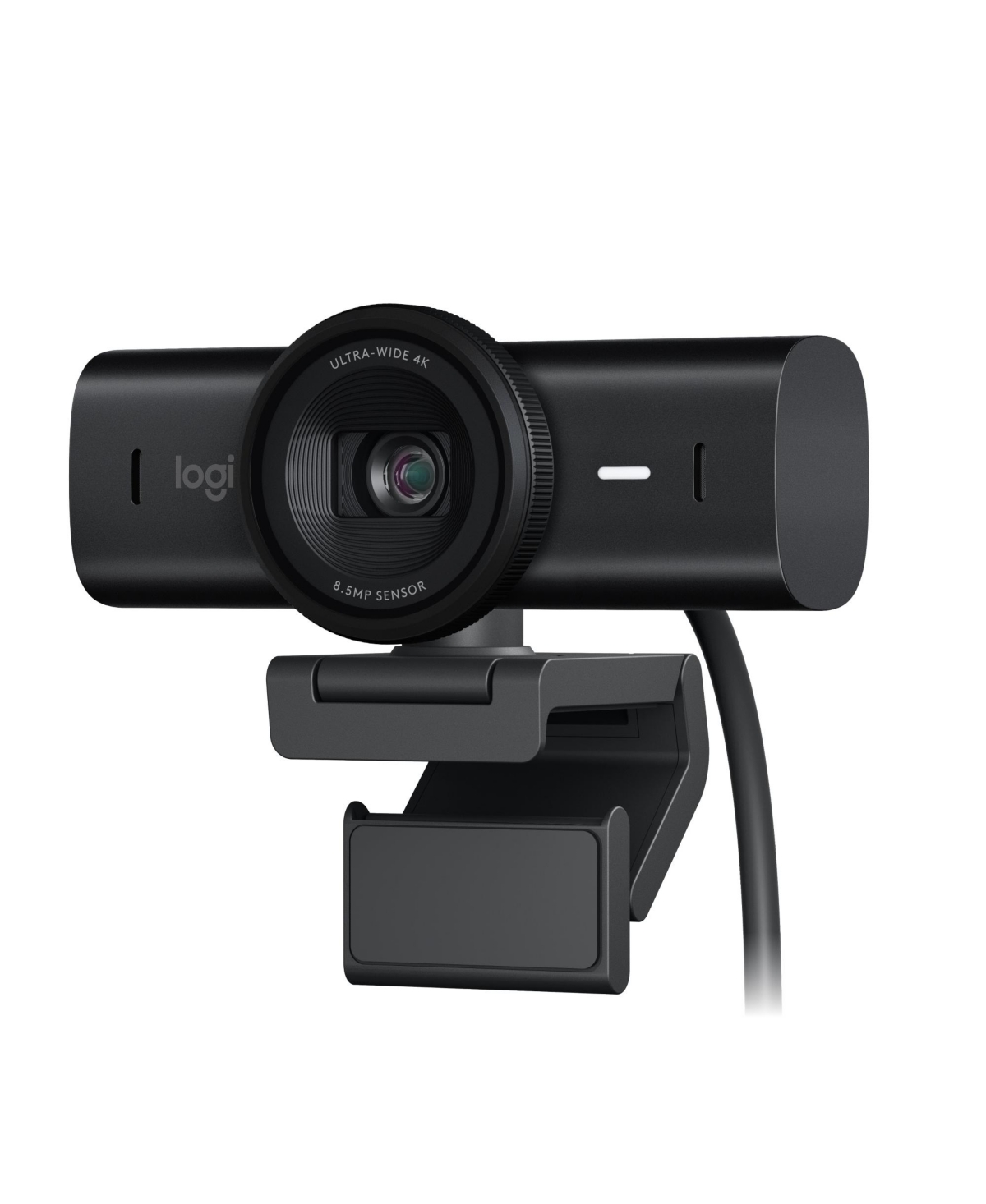
Logitech Mx Brio Ultra Hd 4K Webcam, 1080p…

Sovrn Merchant · SOVRN

$234.60View Deal

Logitech CONNECT Portable ConferenceCam with Bluetooth speakerphone for…

Sovrn Merchant · SOVRN

$299.00View Deal

Shokz Openmeet Wireless Bluetooth Bone Conduction Videoconferencing Headset…

Sovrn Merchant · SOVRN

$199.99View Deal

Logitech - MX Brio Ultra HD 4K Video…

Sovrn Merchant · SOVRN

$199.99View Deal

Vrbgify 1080P All-in-One Webcam for Conference with Mic…

Sovrn Merchant · SOVRN

$211.97View Deal

Updated daily. Prices and availability can change; verify details with the merchant before purchase.

Conference & Remote Work Guide

Use these checks before choosing products or leaving for a merchant site.

Camera Quality

Choose webcams or conference cameras by room size, field of view, lighting, and mounting position.

Camera tips →

Audio First

A good microphone or speakerphone can improve meetings more than a high-resolution camera alone.

Audio guide →

Room Display

A dedicated display improves screen sharing, hybrid meetings, and front-of-room visibility.

Monitor options →

Stable Network

Meeting rooms need reliable Wi-Fi or Ethernet, not just better camera hardware.

Networking gear →

Platform Fit

Check compatibility with Zoom, Teams, Google Meet, and the computers your office uses.

Compatibility tips →

Simple Setup

Reduce cables, drivers, and setup steps so staff can start meetings without IT help.

Setup guide →

Choose the Right Meeting Setup

The right gear depends on whether one person or a whole room is joining the call.

Choose Webcam + Headset When...

  • The user works from a desk or home office.
  • Clear voice, privacy, and reduced echo matter.
  • The laptop webcam or mic is not good enough.
View remote work gear →

Choose Room Gear When...

  • Multiple people join meetings from one office or conference room.
  • You need a wider camera, better microphones, and speaker output.
  • Cable simplicity and reliability matter.
Plan conference rooms →

Use Better Networking When...

  • Video calls drop, freeze, or sound poor because of Wi-Fi or bandwidth problems.
  • Meeting rooms are far from the router.
  • The business depends on Teams, Zoom, Google Meet, or VoIP.
Review networking gear →

Conference & Remote Work Gear Comparison

Buying FactorPCBuyer GuidanceWhy It Matters
HeadsetBest for individualsClear voice and privacy for calls.
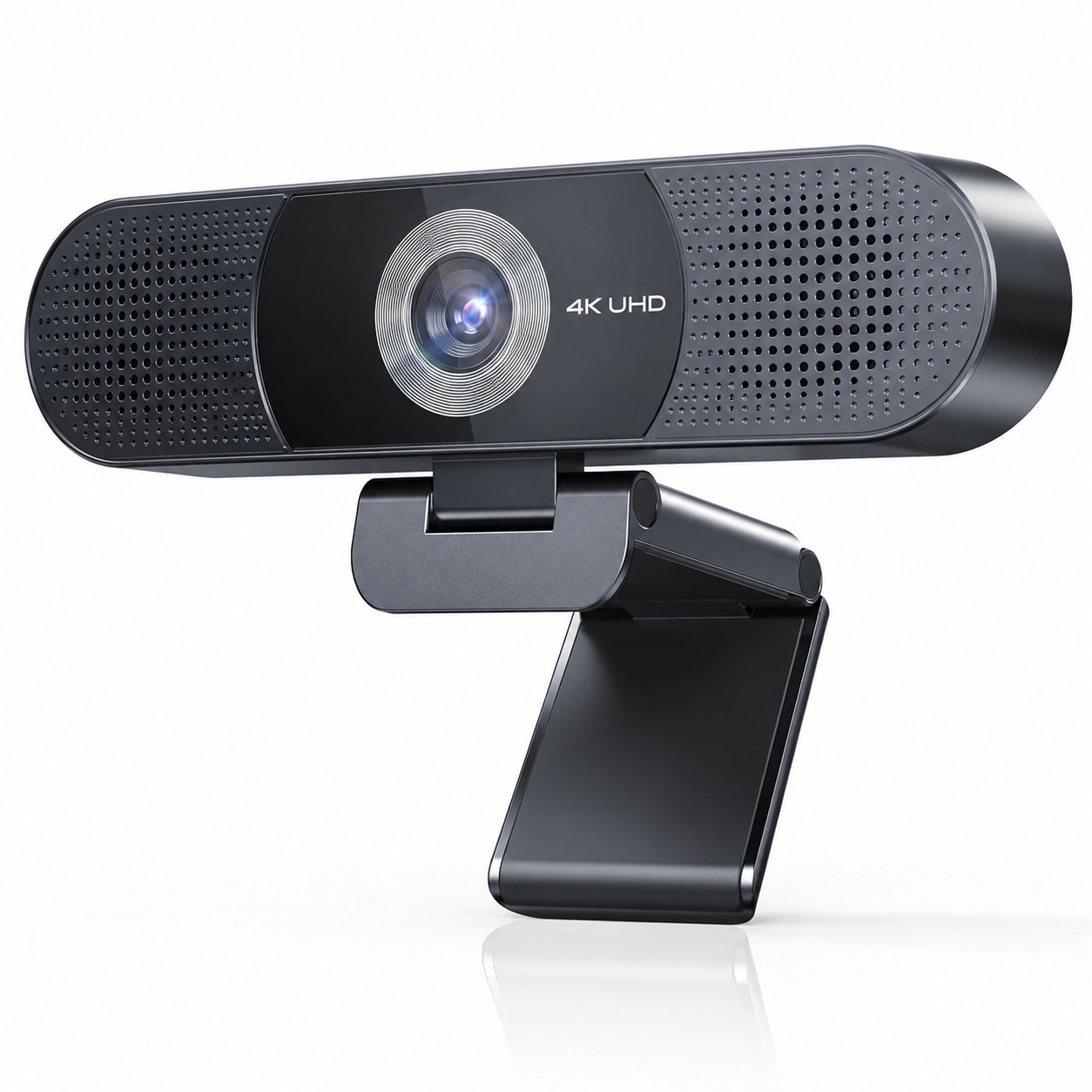
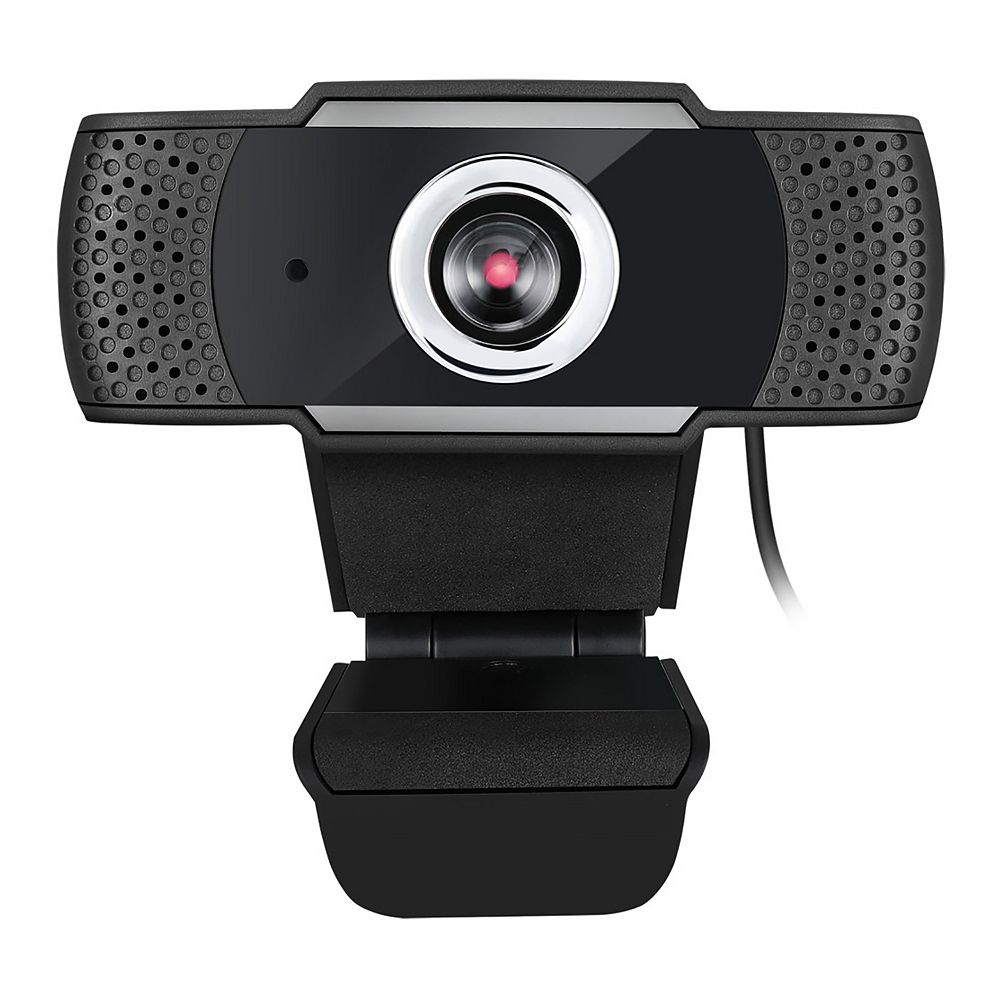
WebcamBest image upgradeImproves video quality over most built-in cameras.
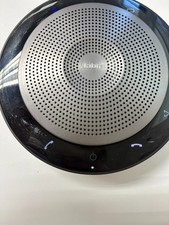
SpeakerphoneSmall roomsBetter for groups around one table.
Room cameraConference roomsWider field of view and room framing.
External monitorDesk productivityBetter screen sharing and call management.
Wired / strong Wi-FiReliabilityPrevents drops, lag, and poor call quality.

Recommended by Office Need

Sales reps

Good audio and webcam quality affect client calls.

Real estate / insurance

Presentations and client meetings benefit from better video and audio.

Municipal boards / committees

Meeting rooms need stable audio, video, and display setups.

Managers / executives

Premium webcam, headset, and docked display setup are usually worth it.

Recommended Buying Paths

Use these PCBuyer guides to narrow the right accessory or office setup category.

Docking Stations

One-cable setups reduce meeting and desk clutter.

View docks →

Conference Gear Checklist

WebcamHeadsetSpeakerphoneRoom cameraExternal monitorStable Wi-FiUSB-C dock

Frequently Asked Questions

What matters most for video meetings?

Audio quality and reliability usually matter most. A clear microphone or speakerphone can improve meetings more than a high-resolution camera alone.

Should I buy a webcam or conference camera?

A webcam works for one person or a small desk. A conference camera is better for rooms, groups, wider angles, and shared meeting spaces.

Do conference rooms need wired networking?

Wired networking is preferred when practical because it reduces meeting drops, lag, and Wi-Fi congestion.

What gear is needed for a small meeting room?

A small room usually needs a display, webcam or room camera, speakerphone or microphone, stable network, and simple cabling or dock setup.

Are built-in laptop microphones good enough?

They can work for one person in a quiet room, but shared offices and conference rooms usually need dedicated audio.

Need help choosing conference and remote-work gear?

Use PCBuyer guides to choose the right setup before buying.