Check a Computer

Shop & Deals Accessories Monitor Buying Guide

Best Business Monitors for Offices, Front Desks & Remote Work

Choose monitors by size, resolution, panel quality, ergonomics, USB-C support, and dual-display productivity instead of buying the cheapest screen available.

27-inch Sweet SpotBest for most office desksUSB-C OptionsCleaner laptop dockingDual DisplaysMore room for real work

Curated daily

Top 3 Monitor Deals Right Now

Quick live picks for offices, front desks, and remote work.

✓ Business picks • Trusted sources
1
Best Value

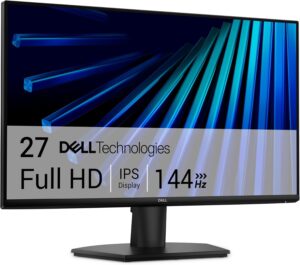
Dell 27 Inch FHD IPS LED Monitor Eye Comfort Technology (Black…

eBay · EBAY

$209.00View Deal
2
Top Pick

Dell UltraSharp 27-inch IPS LED computer monitor

eBay · EBAY

$530.00View Deal
3
Editor Pick

27" Dell Monitor 75Hz

eBay · EBAY

$199.00View Deal
View all business monitors →

Recommended Monitor Picks

Shop current picks pulled from the PCBuyer accessory catalog. Prices and availability can change; verify details with the merchant before purchase.

Recommended Monitor Picks

View all business monitors →

Dell 27 Inch FHD IPS LED Monitor Eye…

eBay · EBAY

$209.00View Deal

Dell UltraSharp 27-inch IPS LED computer monitor

eBay · EBAY

$530.00View Deal

27" Dell Monitor 75Hz

eBay · EBAY

$199.00View Deal

Dell 27 Plus QHD USB-C Monitor - S2725DC

Sovrn Merchant · SOVRN

$259.99View Deal

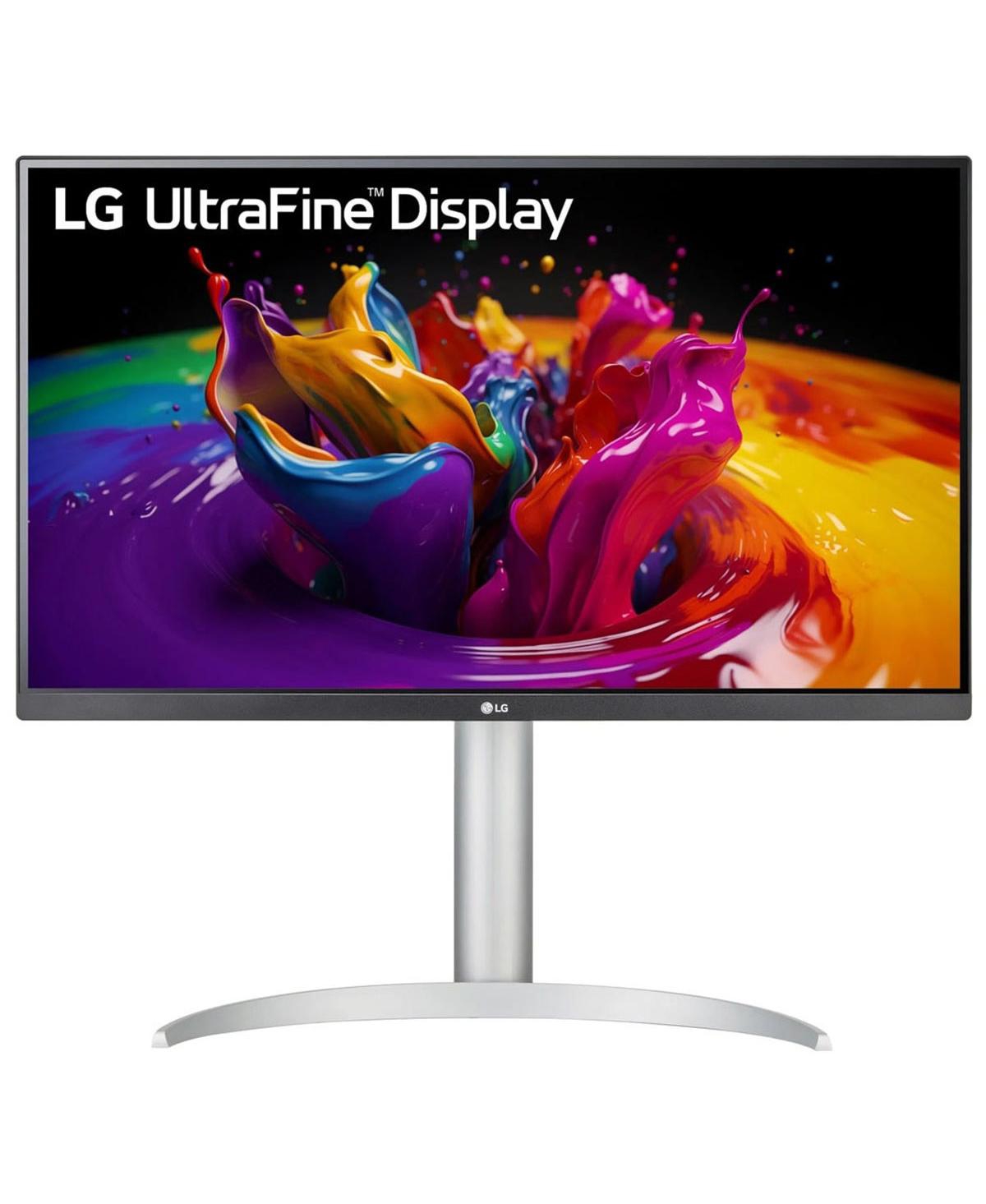
LG 27" 4K UHD UltraFine™ IPS Monitor with…

Sovrn Merchant · SOVRN

$329.99View Deal

Philips 27" USB-C Monitor

Sovrn Merchant · SOVRN

$419.99View Deal

LG - 27 inch 4K UHD webOS Smart…

Sovrn Merchant · SOVRN

$410.49View Deal

business monitor 27 inch IPS USB-C Dell UltraSharp…

Amazon · AMAZON

Check priceView Deal

Updated daily. Prices and availability can change; verify details with the merchant before purchase.

Choose the Right Monitor Setup

Screen size, resolution, ports, and adjustability matter more than brand alone.

Choose 24–27 inch When...

  • The user works in email, browser apps, Microsoft 365, scheduling, CRM, or office software.
  • Desk space is limited but productivity matters.
  • You want a reliable standard monitor for bulk deployment.
View monitor categories →

Choose Dual Monitors When...

  • The user compares documents, spreadsheets, CRM screens, calendars, and email all day.
  • Accounting, admin, sales support, and managers need more visible workspace.
  • The computer or dock supports two external displays.
Compare monitor setups →

Choose 4K / Color Accurate When...

  • The user handles creative work, design, maps, detailed documents, or large spreadsheets.
  • Text clarity, panel quality, and color accuracy matter.
  • The system has the graphics output needed for higher resolution.
Shop premium monitors →

Business Monitor Buying Comparison

Buying FactorPCBuyer GuidanceWhy It Matters
General office work24–27 inch IPSBalanced cost, comfort, and productivity.
Dual-monitor productivityTwo 24–27 inch displaysBest for heavy multitasking and office workflows.
Laptop dockingUSB-C monitor or dockSimplifies power, display, and peripherals with one cable.
Creative work4K IPS / color accurateSharper text and better color control.
Front desk24 inch adjustableReliable, space-conscious, and easy to replace.
Eye comfortAdjustable standHeight, tilt, and VESA support reduce strain.

Recommended by Office Need

Accounting / admin

Dual monitors help compare spreadsheets, PDFs, email, and accounting software.

Real estate / insurance

A good office monitor plus a lightweight laptop dock improves desk productivity.

Medical / front desk

Stable displays support scheduling, records, scanning, and check-in workflows.

Municipal offices

Standard monitor models simplify purchasing, support, and replacement.

Recommended Buying Paths

Use these PCBuyer guides to narrow the right accessory or office setup category.

Monitor + Dock Setup

Best for laptop users who need a clean desk setup and dual displays.

Plan docking →

Accessories & Networking Hub

See all monitor, dock, networking, and office setup categories.

Browse accessories →

Business Monitor Checklist

24–27 inch baselineIPS panelHeight adjustmentUSB-C where usefulVESA supportDual display capableWarranty

Need help choosing monitors for your office?

Use PCBuyer guides to choose the right setup before buying.