What size monitor is best for office work?
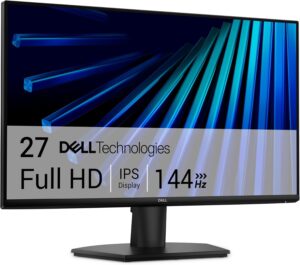
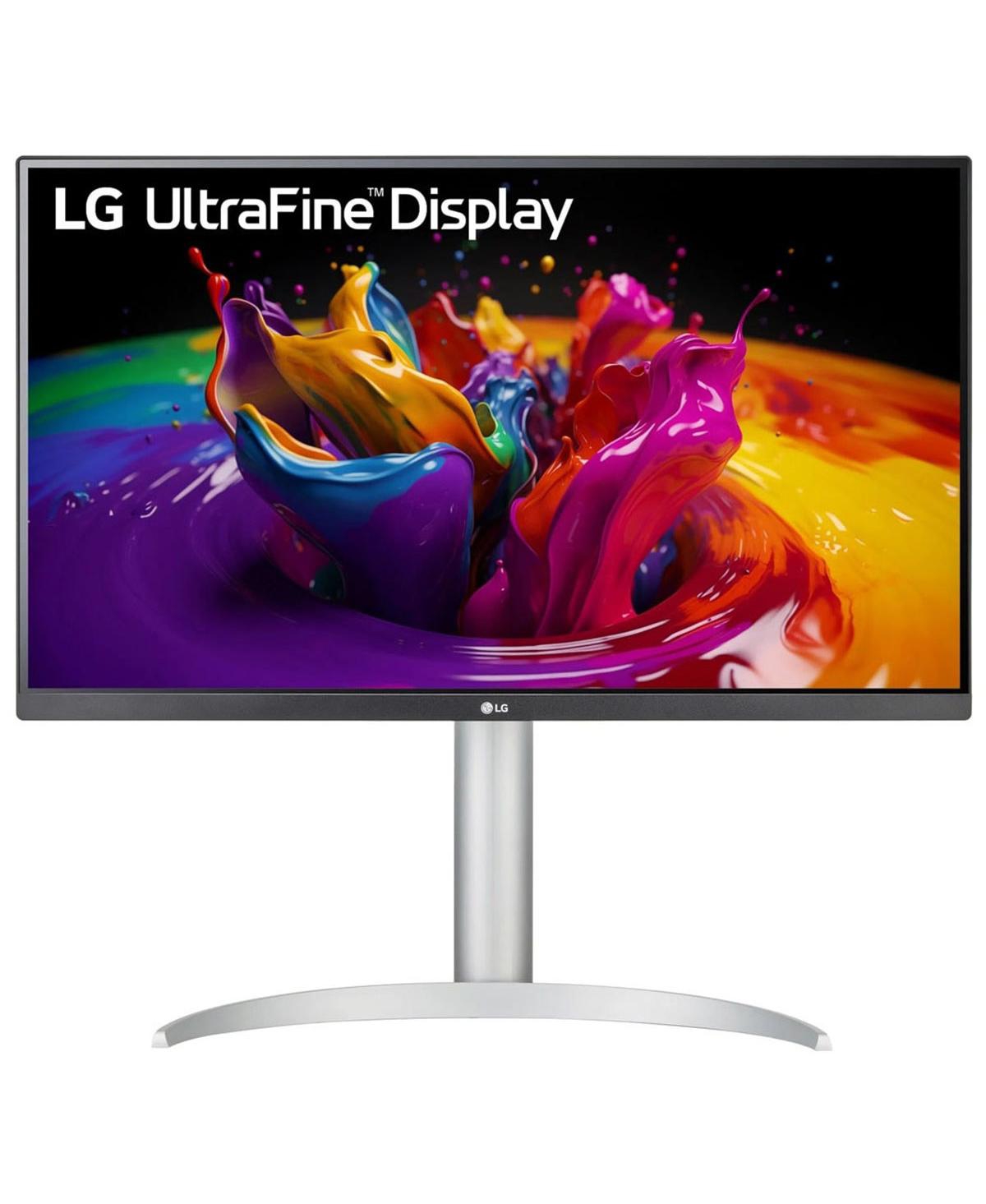
A 24-inch monitor is a good low-cost baseline, while 27-inch is usually the best productivity sweet spot. Heavy spreadsheet, design, mapping, and multitasking users may benefit from dual displays or a larger 32-inch screen.
Is USB-C worth it on a business monitor?
USB-C is worth it when laptop users want one cable for display, charging, and peripherals. It is less important for fixed desktops or offices already using separate docks.
Are dual monitors better than one ultrawide?
Dual monitors are often better for standardized office work because they are flexible and easy to replace. Ultrawide displays are better for certain power users who prefer one continuous workspace.
What resolution should I choose?
1080p is acceptable for basic work, QHD is a strong step up for 27-inch displays, and 4K is best for sharper text, creative work, maps, and large spreadsheets.
Does refresh rate matter for office work?
Refresh rate is usually less important for office work than panel quality, size, resolution, eye comfort, and adjustability. It matters more for gaming or motion-heavy work.
Do I need built-in speakers on my monitor?
Built-in speakers are convenient but usually not a buying priority. For meetings, a good headset, speakerphone, or conference audio device is usually better.