Analyze a Deal

Shop & Deals Accessories Printing & Scanning Guide

Printers & Scanners for Small Business Offices

Choose printers, scanners, and document workflows based on volume, cost per page, reliability, network setup, and the way your office handles records.

Find gear faster

Search printer and scanner deals

Find laser printers, all-in-ones, scanners, inkjet tanks, toner, and office print gear.

Curated daily

Top 3 Printer & Scanner Deals Right Now

Quick live picks for laser printers, all-in-ones, scanners, and office document workflows.

✓ Business picks • Trusted sources
1
Best Value
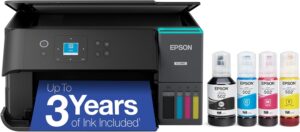
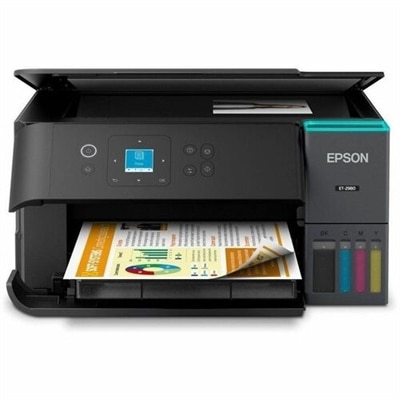
Wireless Color Printer Scanner Copier Fax All In One Office Machine

Wireless Color Printer Scanner Copier Fax All In One Office Machine

eBayNew

2
Top Pick
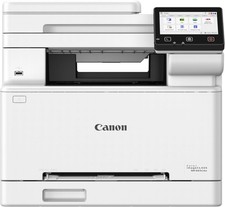
Canon imageCLASS MF665Cdw Wireless Multifunction Laser Printer Copy/Print/Scan

Canon imageCLASS MF665Cdw Wireless Multifunction Laser Printer Copy/Print/Scan

eBayNew

3
Editor Pick
HP DeskJet 2855E Wireless All in One Printer Scanner Copier 2.4GHz 588S5A

HP DeskJet 2855E Wireless All in One Printer Scanner Copier 2.4GHz 588S5A

eBayNew

View all printing & scanning →

Printing & Scanning Guide

Use these checks before choosing products or leaving for a merchant site.

Laser vs Inkjet

Laser is usually better for volume text. Inkjet and tank systems can be stronger for color-heavy offices.

Compare types →

Cost Per Page

Toner, ink, drum life, refill yield, and maintenance costs often matter more than the printer price.

Print cost guide →

Scanning Workflow

Duplex scanning, document feeders, scan folders, and scan-to-email can save more time than faster print speed.

Scanning tips →

Network Ready

Shared office printers should prioritize Ethernet or reliable Wi-Fi, easy drivers, and stable access.

Network setup →

Supply Strategy

Avoid cheap printers with expensive cartridges unless volume is very low.

Supply guidance →

Office Reliability

Warranty, duty cycle, parts availability, and serviceability matter for business use.

Reliability checklist →
Shop by printer need

Printer, scanner, ink and toner picks

Start with the type of print or scan workflow you need. Each row shows focused picks first, with a view-more path for deeper shopping.

Laser Printers

Fast document printing, lower cost per page, and reliable office text output.

View more laser printers →

Laser Printers

View all laser printers →
Canon imageCLASS MF665Cdw Wireless Multifunction Laser Printer Copy/Print/Scan

Canon imageCLASS MF665Cdw Wireless Multifunction Laser Printer Copy/Print/Scan

eBayNew

$529.99View Product →
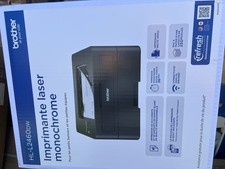
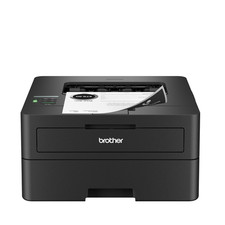
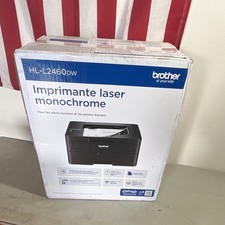
Brother HL-L2460DW Wireless Compact Monochrome Laser Printer With Duplex

Brother HL-L2460DW Wireless Compact Monochrome Laser Printer With Duplex

eBayNew

$129.99View Deal →
Brother Brother SOHO Laser Printer HLL2460DW w/ Print Like A Pro Bundle

Brother Brother SOHO Laser Printer HLL2460DW w/ Print Like A Pro Bundle

eBayNew

$239.99View Deal →
Brother HLL6210DW Business Monochrome Laser Printer - white

Brother HLL6210DW Business Monochrome Laser Printer - white

$393.07View Deal →

Inkjet Printers

Color, photos, occasional marketing pieces, and flexible home-office output.

View more inkjet printers →

Most Popular Printer Picks

Current printer and scanner picks with practical office appeal.

View more popular picks →

Scanners

Sheet-fed, duplex, and document scanners for records-heavy offices.

View more scanners →

Scanners

View all document scanners →
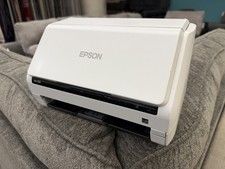
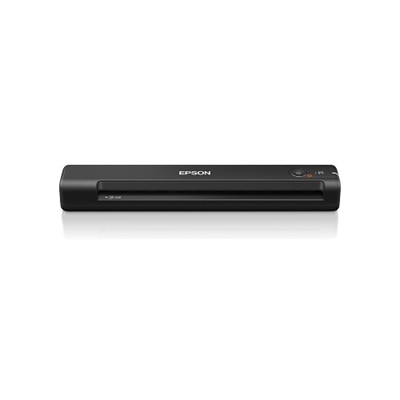
Epson DS-530 Color Duplex Document ADF Scanner J381A

Epson DS-530 Color Duplex Document ADF Scanner J381A

eBayUsed

$79.99View Product →
Brother Duplex and Wireless Compact Mobile Document Scanner 600 dpi Optical Resolution 1-Sheet Duplex Auto Document Feeder one_size | DS940DW

Brother Duplex and Wireless Compact Mobile Document Scanner 600 dpi Optical Resolution 1-Sheet Duplex Auto Document Feeder one_size | DS940DW

$259.59View Deal →
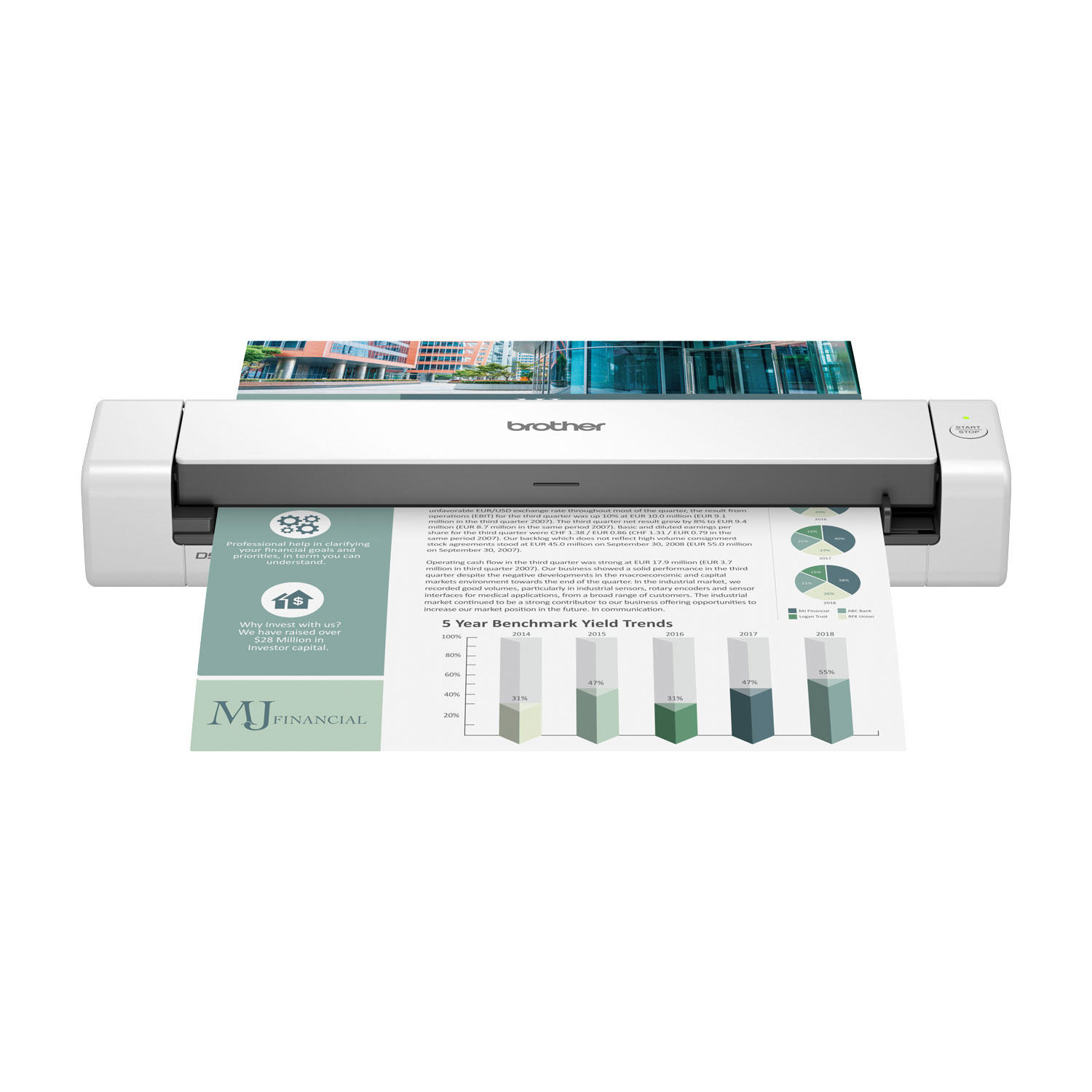
Brother DS-740D Duplex Compact Mobile Document Scanner, 600 dpi Optical Resolution, 1-Sheet Duplex Auto Document Feeder

Brother DS-740D Duplex Compact Mobile Document Scanner, 600 dpi Optical Resolution, 1-Sheet Duplex Auto Document Feeder

$169.00View Deal →
Epson DS-1730 Flatbed Color Duplex Document Scanner with Auto Document Feeder

Epson DS-1730 Flatbed Color Duplex Document Scanner with Auto Document Feeder

$449.00View Deal →

All-in-One Printers

Print, scan, copy, and occasional fax workflows in one device.

View more all-in-one printers →

All-in-One Printers

View all all-in-one printers →
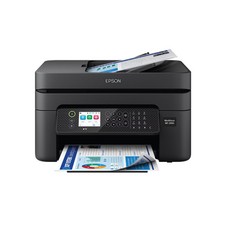
Wireless Color Printer Scanner Copier Fax All In One Office Machine

Wireless Color Printer Scanner Copier Fax All In One Office Machine

eBayNew

$116.15View Product →
HP DeskJet 2855E Wireless All in One Printer Scanner Copier 2.4GHz 588S5A

HP DeskJet 2855E Wireless All in One Printer Scanner Copier 2.4GHz 588S5A

eBayNew

$65.62View Product →
Brother MFCL2820DW Copy/Fax/Print/Scan Wireless Compact Monochrome All-in-One Laser Printer - Black and white

Brother MFCL2820DW Copy/Fax/Print/Scan Wireless Compact Monochrome All-in-One Laser Printer - Black and white

$317.46View Deal →
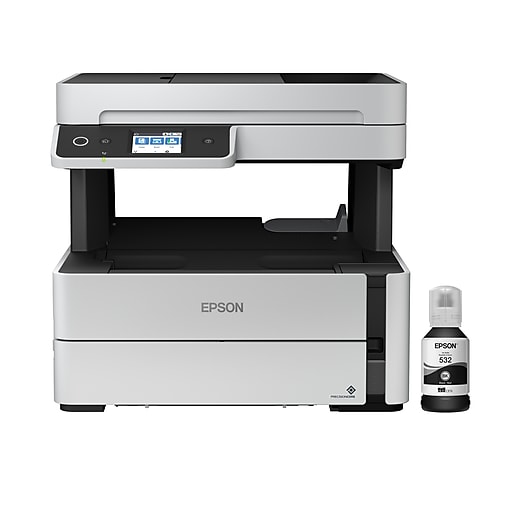
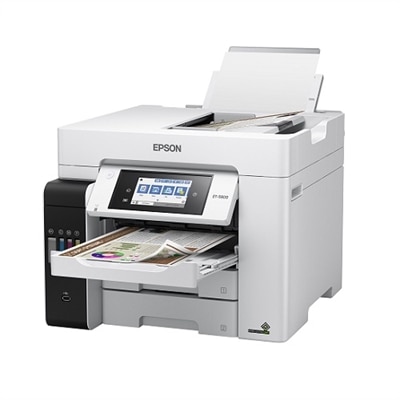
Epson EcoTank ET-5800 Wireless Color All-In-One Inkjet Printer with Fax

Epson EcoTank ET-5800 Wireless Color All-In-One Inkjet Printer with Fax

$799.99View Deal →
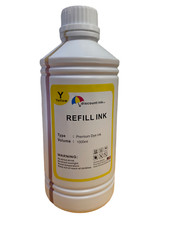
Don’t forget your ink

Ink, toner, and refill supplies

Supplies are the recurring cost of printing. Check toner, ink, refill bottles, drums, and high-yield multipacks before choosing a printer.

Shop Ink & Toner

Choose the Right Print and Scan Setup

The printer is only one part of the workflow. Scanning, sharing, supplies, and network reliability matter.

Choose Laser When...

  • The office prints documents regularly.
  • Reliability and cost per page matter.
  • The printer is shared by multiple users.
Compare laser printers →

Choose All-in-One When...

  • The office needs printing, copying, scanning, and occasional fax workflows.
  • Front desk staff need one compact device.
  • Scanning to email or shared folders is important.
View all-in-one guidance →

Plan Network Printing When...

  • Multiple users need access.
  • The printer should be wired or on reliable office Wi-Fi.
  • Security, driver setup, and scanning destinations matter.
Review office networking →

Printer & Scanner Buying Comparison

Buying FactorPCBuyer GuidanceWhy It Matters
Laser printerBest for most officesReliable, faster, and lower cost for text documents.
Inkjet printerSelective useBetter for photo/color needs, not always office volume.
All-in-oneFront desk / small officePrint, scan, copy, and fax in one device.
Dedicated scannerDocument-heavy officesFaster, better scan workflows and records handling.
Wired EthernetPreferredMore reliable than Wi-Fi for shared printers.
Supply costCriticalToner and ink costs can exceed device price.

Recommended by Office Need

Medical / dental

Scanning intake forms, IDs, and records requires reliable workflow.

Law / accounting

Document scanning, PDFs, and paper records must be predictable.

Retail / reception

Front desks need easy printing, scanning, and simple support.

Municipal offices

Public records workflows often need stable print/scan devices.

Recommended Buying Paths

Use these PCBuyer guides to narrow the right accessory or office setup category.

Backup & UPS Power

Critical print/scan stations and network gear may need UPS protection.

Plan backup power →

Printer & Scanner Checklist

Laser vs inkjetCost per pageDuplex scanningEthernetScan to emailToner supplyWarranty

Frequently Asked Questions

Is laser or inkjet better for a small office?

Laser is usually better for high-volume text, invoices, and records. Inkjet or tank printers can be better for lower-volume color, photos, graphics, and flexible home-office needs.

What is the most important printer cost to compare?

Cost per page is usually more important than the printer purchase price. Toner, ink, drum life, refill yield, and maintenance kits decide long-term cost.

Should I buy an all-in-one printer or separate scanner?

All-in-ones are convenient for small offices. A separate document scanner is better when scanning volume, duplex scanning, speed, or workflow quality matters.

Do business printers need Ethernet?

Ethernet is helpful when a printer is shared across multiple users. Wi-Fi is convenient, but wired networking is often more stable for business workflows.

What does duplex scanning mean?

Duplex scanning means scanning both sides of a page. It is valuable for contracts, medical records, government forms, insurance paperwork, and accounting records.

Need help choosing printers and scanners for your office?

Use PCBuyer guides to choose the right setup before buying.